Building the ACAT Website: AI Did the Hard Work, I Took the Credit
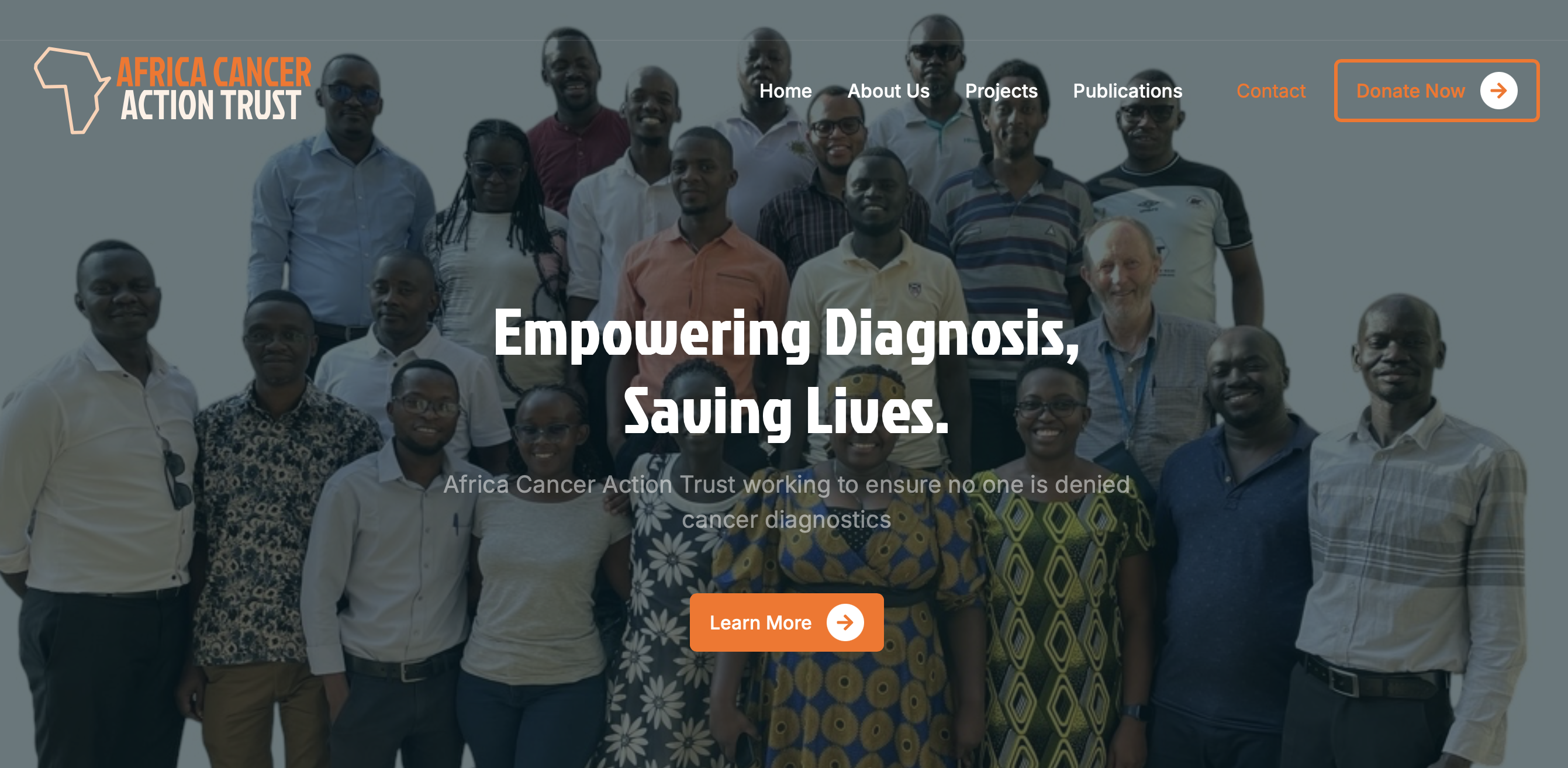
When I set out to create a website for Africa Cancer Action Trust (ACAT), I had no idea how much of a hassle it would be. My first attempts with WordPress editors were a nightmare—constantly losing data, breaking layouts, and having to start over. After hours of frustration, I decided to ditch WordPress and dive into my happy place, coding.
Finding the Right Template
I didn’t want to waste time designing from scratch, so I hunted for a template suited for a charity website. After browsing HTML5 UP and Theme Wagon, I used ChatGPT to compare options and suggest the best one. Eventually, I found a clean, simple, and adaptable template that fit perfectly.
ChatGPT as My Web Assistant
Once I had the foundation, ChatGPT helped me tweak and improve it—whether refining content, adjusting layouts, or troubleshooting issues.
Writing Text Blurbs
ChatGPT was great at generating short, engaging blurbs. Whether it was section descriptions, headlines, or calls to action, it provided a strong starting point that I could fine-tune.
Formatting Suggestions
It also helped optimise formatting, suggesting better content structure for readability and navigation. ChatGPT made it easier to spot layout issues and streamline the page flow.
Automating the Publications Section
For the publications section, I realised I could just upload my files, and ChatGPT would extract the titles, authors, and abstracts, then generate a clean HTML section.
Debugging Broken Code
No coding project is complete without breaking something. After missing a closing <div> tag, I completely messed up my layout. Copying the code into ChatGPT, it quickly spotted the mistake and provided a fix.
My Coding Setup
I used Visual Studio Code (VSC) with key extensions like SFTP for quick server updates and Live Server to preview changes instantly. This setup made coding and testing smooth and efficient.
The Importance of Basic Coding Knowledge
While ChatGPT was helpful, knowing some coding basics made a big difference. It often generated repetitive code—duplicating JavaScript across multiple pages or overusing styling. Spotting these inefficiencies, I asked ChatGPT to consolidate scripts into a single file or create reusable components, making my code much cleaner and easier to maintain.
Optimising for SEO with ChatGPT
A great site isn’t enough if no one can find it. ChatGPT gave me SEO tips—like optimising meta descriptions, structuring headings correctly, improving load speed, and using relevant keywords. It even generated code snippets for sitemaps and meta tags, making it easy to implement SEO best practices.
The Fun and Satisfaction of Building a Website in a Weekend
Despite the challenges, building this website was surprisingly fun. Once I got into the groove, it became an exciting challenge rather than a struggle. Best of all, I built the entire site in just a weekend! Seeing it come together piece by piece was incredibly satisfying.
If you’re struggling with web development, my advice is: experiment, use available tools, and don’t stress perfection. Sometimes, a mix of pre-made templates and AI-powered assistance is all you need to turn frustration into success.
(And yes, of course, ChatGPT also wrote this blog post for me!)